Basics
Basics
Easy to Use
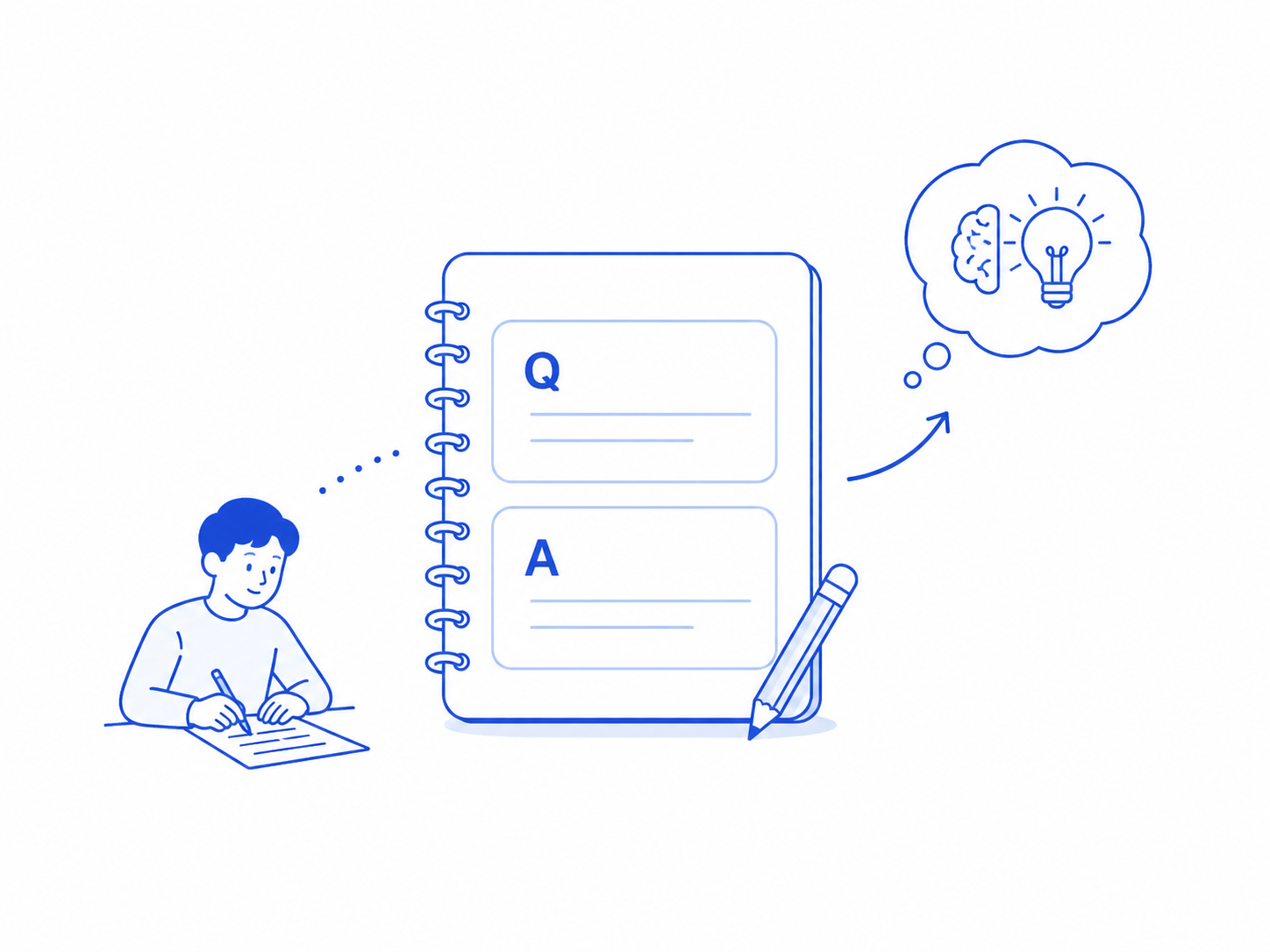
Start learning right away with simple Q&A format input.
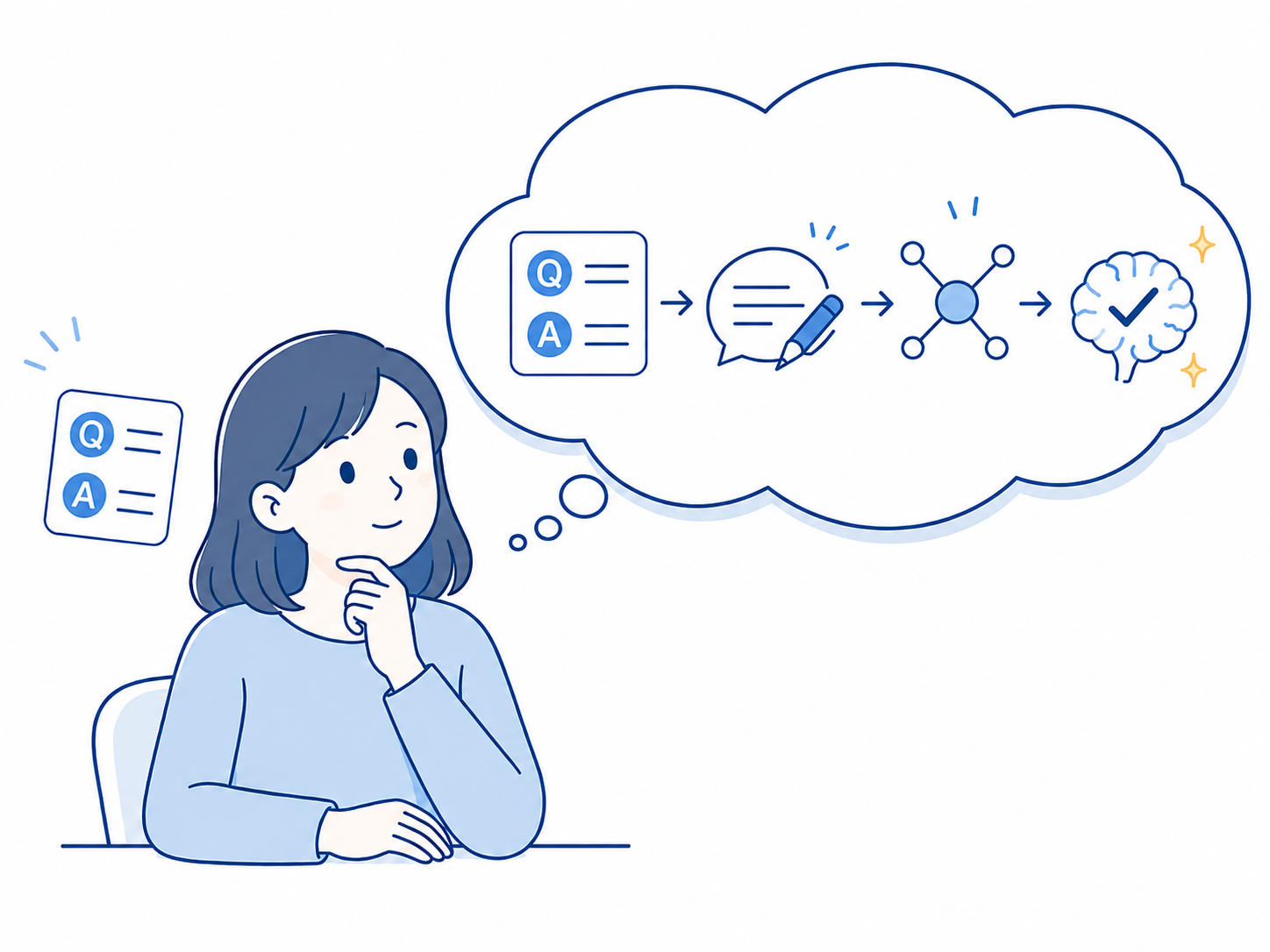
Just enter what you want to remember in a Q&A format (with an optional hint) to get started. This simple design produces two independent learning effects: ① Creating your own questions and answers deepens memory retention through the 'Generation Effect' (Slamecka & Graf, 1978); ② Recalling answers in Q&A format at each reminder further consolidates memory through the 'Testing Effect' — students who studied via self-testing had only a 13% forgetting rate after two days, compared to 56% for those who only re-read (Roediger & Karpicke, 2006). Simple input, backed by two independent scientific principles. You can also attach images or audio files to questions, answers, and hints.
※About the initial input effort → FAQ
Basics
Support Until You Remember
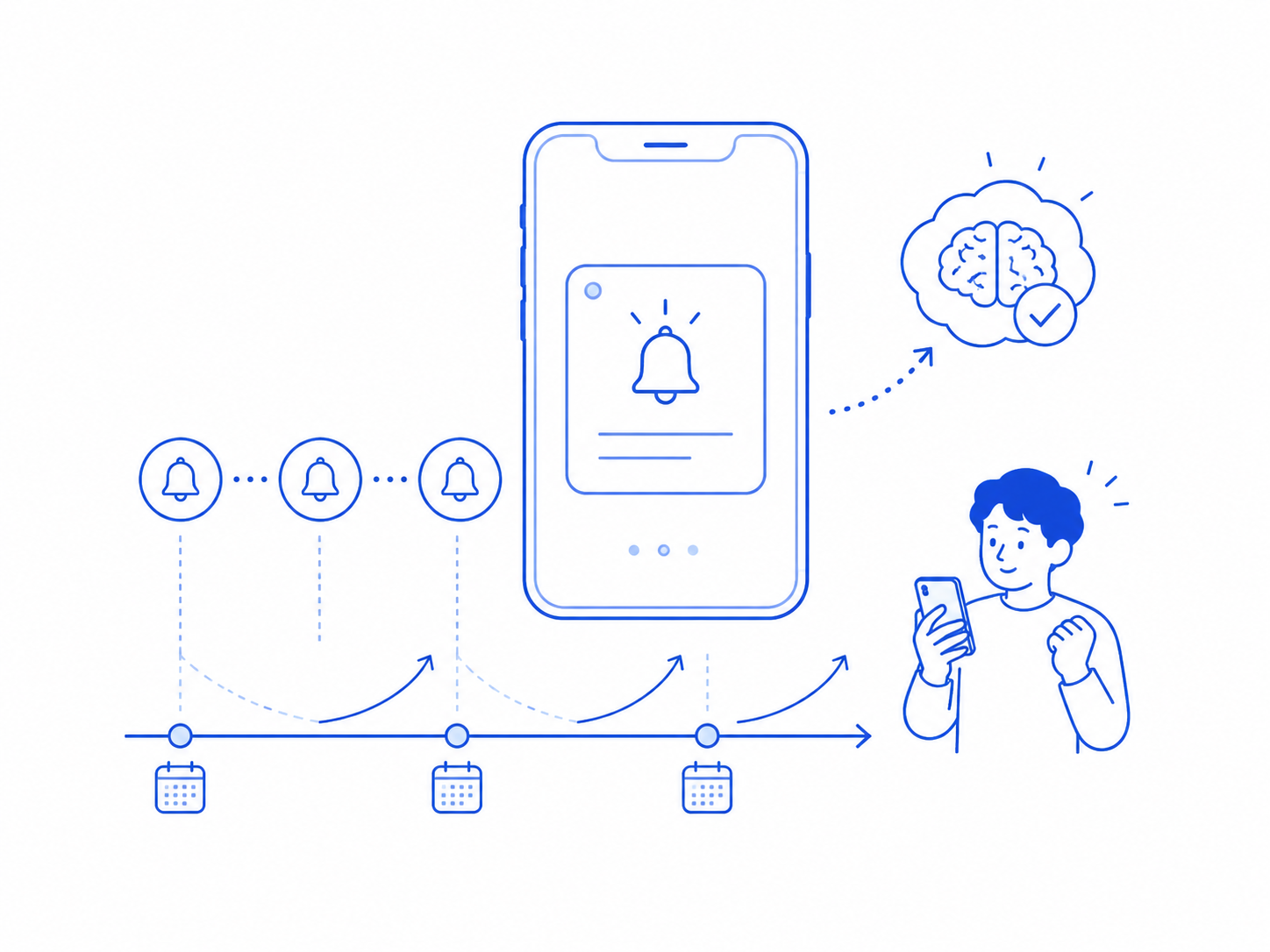
A learning app focused on memory retention. Using scientifically proven spaced repetition to support memory retention.
Without review, memory fades rapidly — relearning costs rise sharply over time (Ebbinghaus, 1885). However, reviewing at the right intervals can dramatically prevent forgetting (Cepeda et al., 2006). Ankimo applies this principle, reminding you at forgetting-curve-based intervals to support long-term memory retention.
※See how memory retention works → Forgetting curve & review effect
Basics
Boost Learning Efficiency
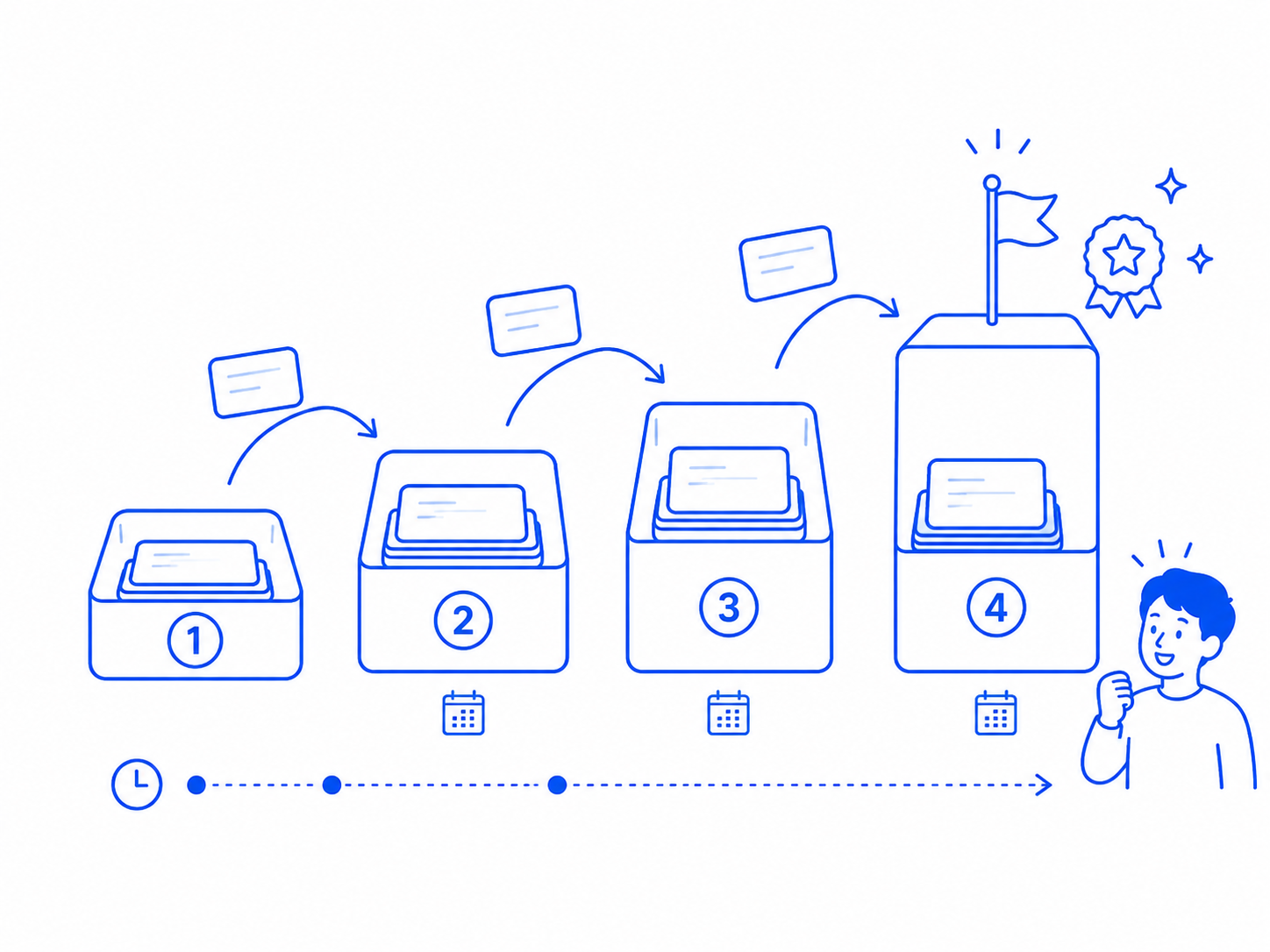
Optimize review intervals based on how easily you remember, mastering more content in the same time.
This system is based on the 'box system' devised by Leitner in 1972. Items that are hard to remember are reviewed frequently at short intervals, while well-remembered items are reviewed at longer intervals. By automatically adjusting review frequency to your memory level, it maximizes the effect of limited study time. This experience of expanding review intervals also creates a game-like feeling of leveling up — making it easier to stay motivated and keep going.
※How Ankimo's game-like design works → FAQ for teachers & schools

Basics
Make Use of Spare Time
Review easily anytime, anywhere.
Review during commutes, waiting times, or short breaks. Just like checking emails, even a few minutes of spare time can become learning time. Small daily accumulations lead to big learning results.
Basics
Use Anywhere
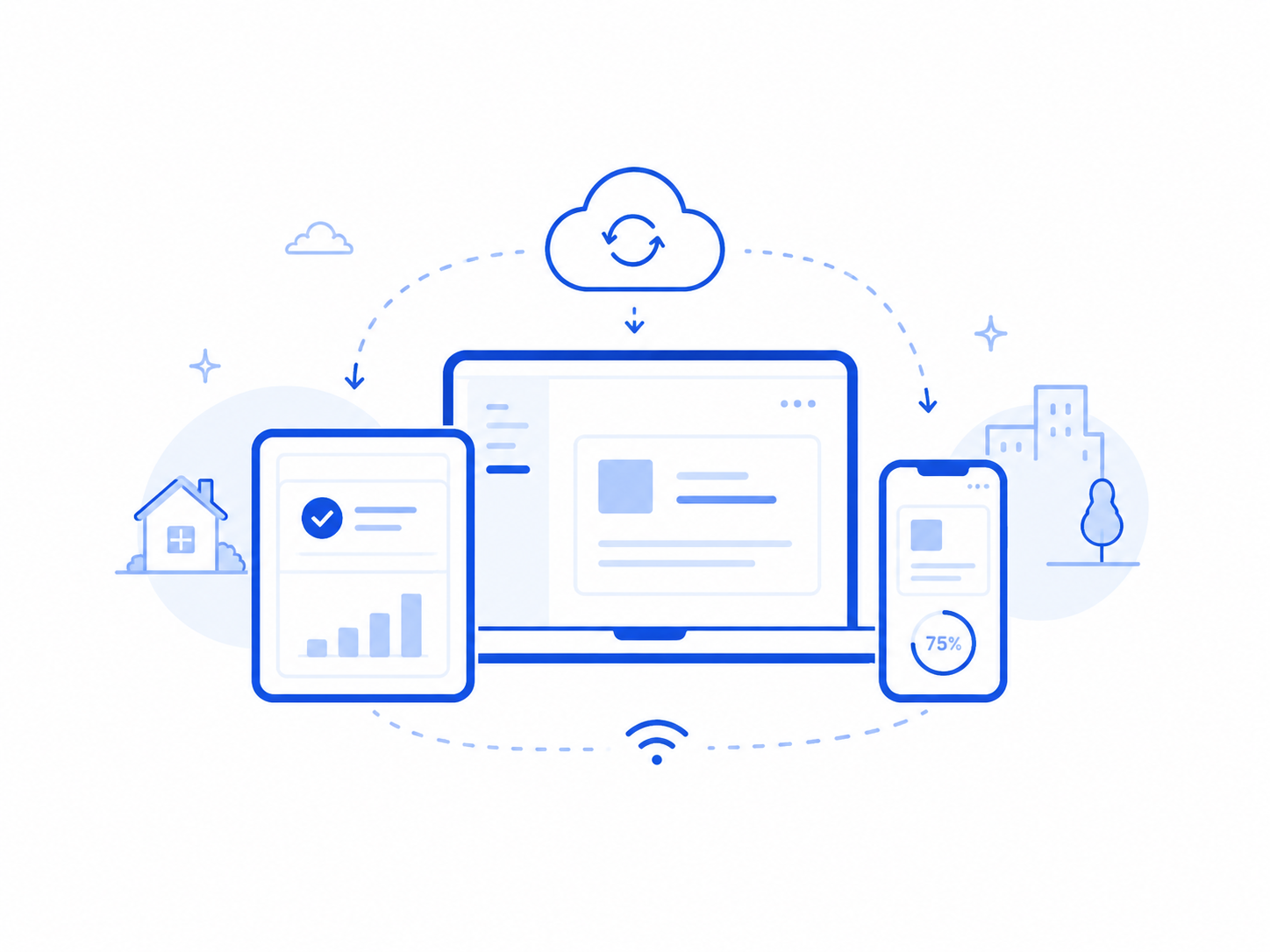
Continue learning seamlessly across any device.
With any internet connection (WiFi, mobile data, etc.), you can access from any device - PC, tablet, or smartphone. Register new items on your home PC and review on your smartphone while out. No app download required.
Basics
Easy Management
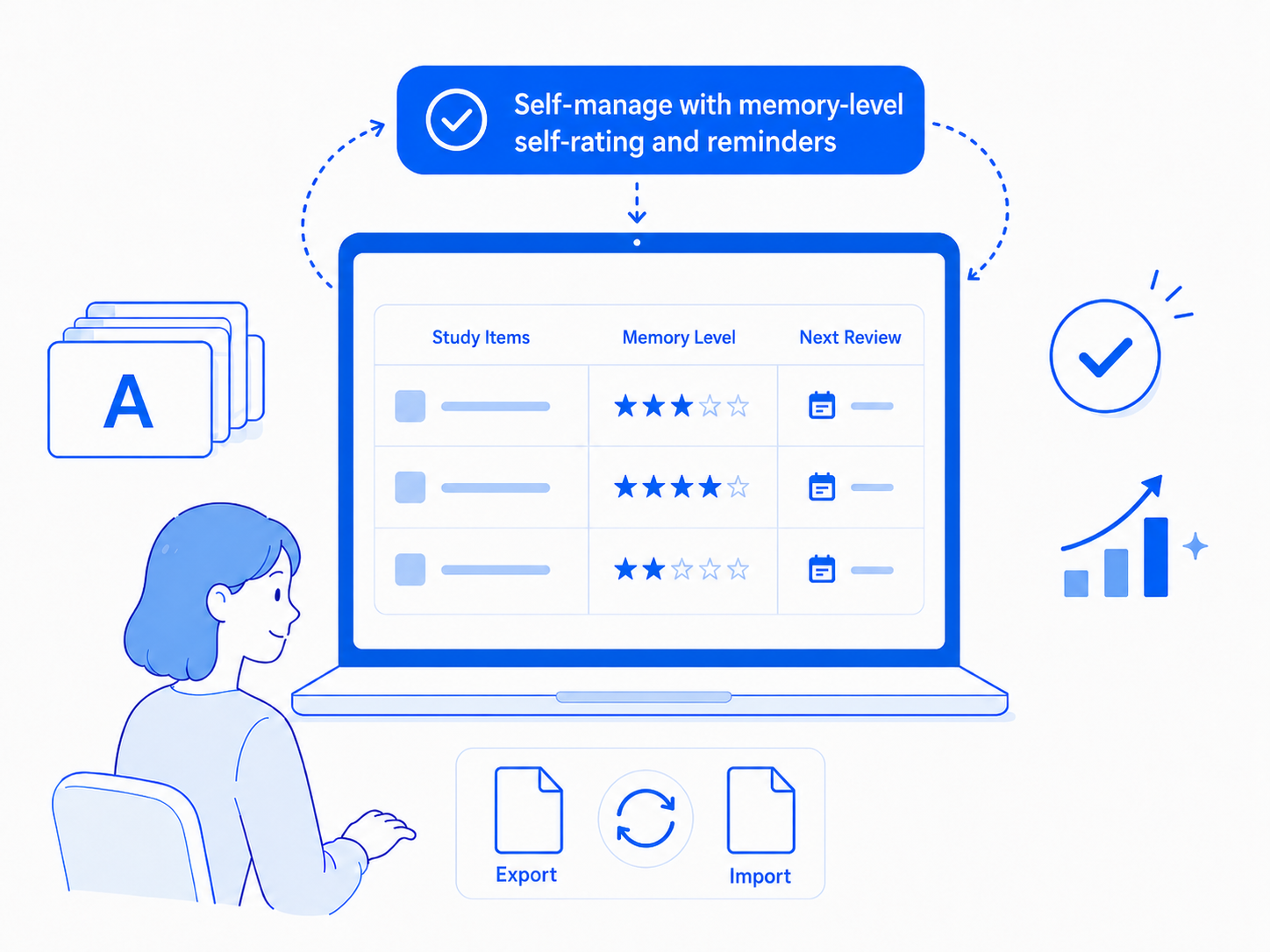
Efficiently manage many learning items and support memory retention.
When learning large amounts (e.g., 1,000+ English words), it's not easy to judge what you've memorized, what still needs review, and how much time to spend on each item. Ankimo automates this complex process with self-assessment and reminder features. Just focus on learning for efficient memory retention. For those with existing study data from other tools or wanting to manage separate accounts, TSV import/export is available from the posts list menu.
Basics
English & Japanese Pronunciation
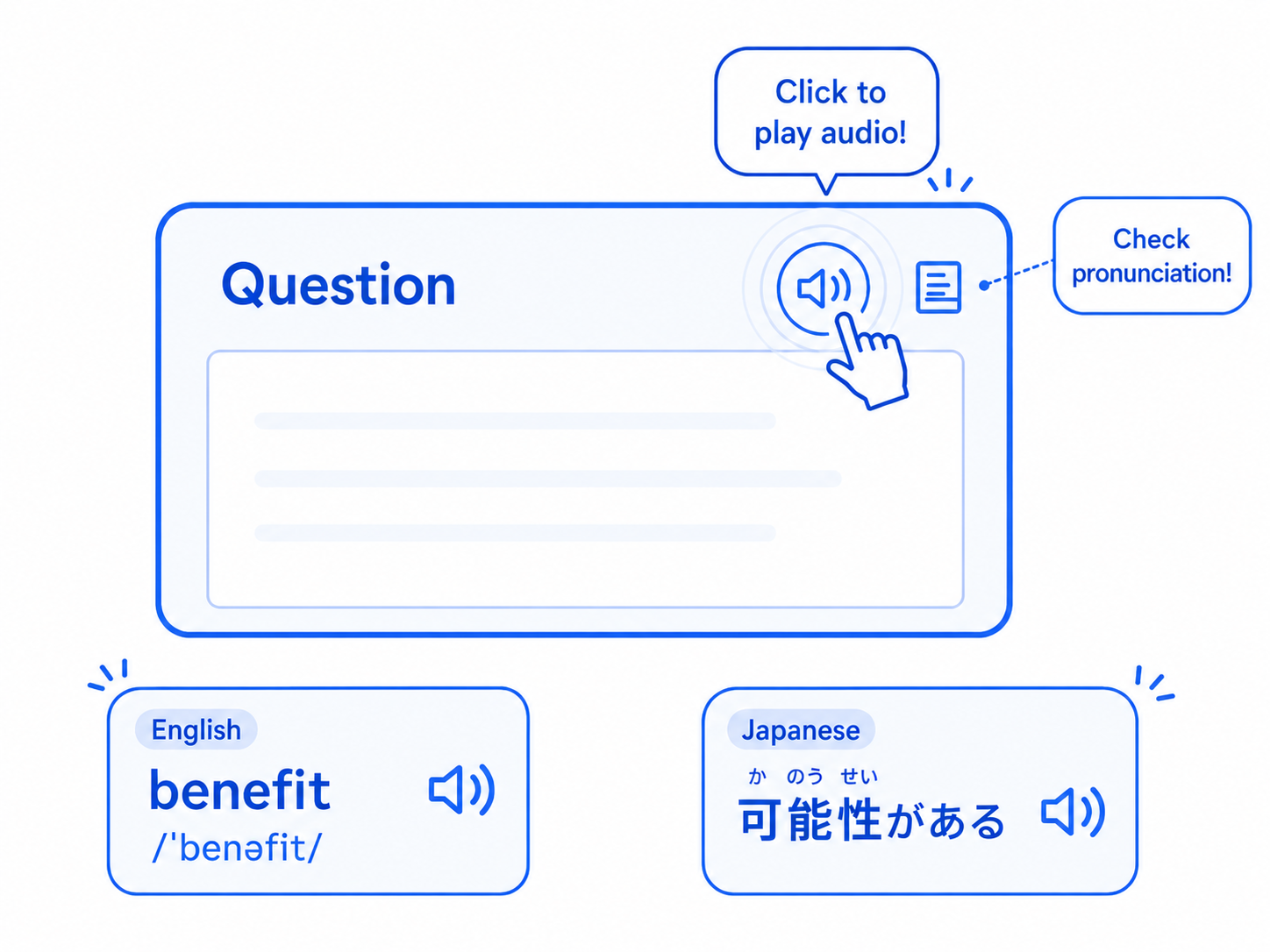
Check English pronunciation with one click. Japanese text is also read aloud accurately using furigana readings.
In English learning, learning correct pronunciation is important. Click the speaker icon to hear the pronunciation of entered words or phrases. Covering 100,000+ English words and phrases, from daily conversation to technical terms. Japanese text is read using furigana (phonetic readings) to ensure accurate pronunciation — no misreading of kanji. Using the latest Web Speech API technology for natural, clear pronunciation in both English and Japanese. (You can also attach native speaker audio files for reference.)
AI-Assisted Learning
AI
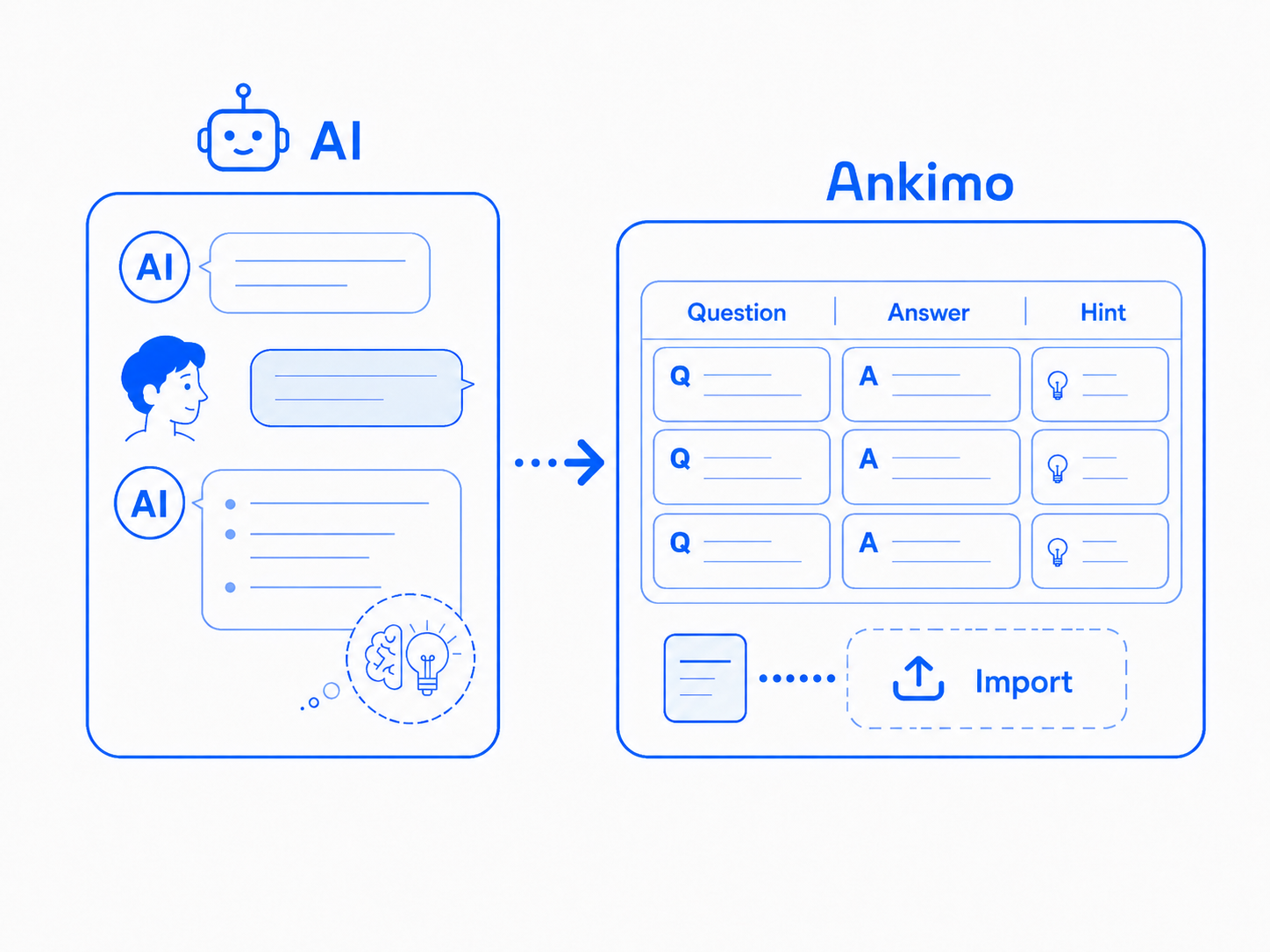
Not sure where to start? Find it with AI
Talk it through to find your direction, or paste material or a conversation to turn straight into cards. Once logged in, questions can be tailored to you.
Paste a passage from a textbook, a word list, or phrases you want to remember, and AI converts it into question-and-answer pairs. Once logged in, questions can reflect your interests and occupation — leveraging the "self-reference effect," which makes information tied to your own context easier to remember.
Advanced
Create hints to boost learning efficiency
Advanced
Try Creating Hints
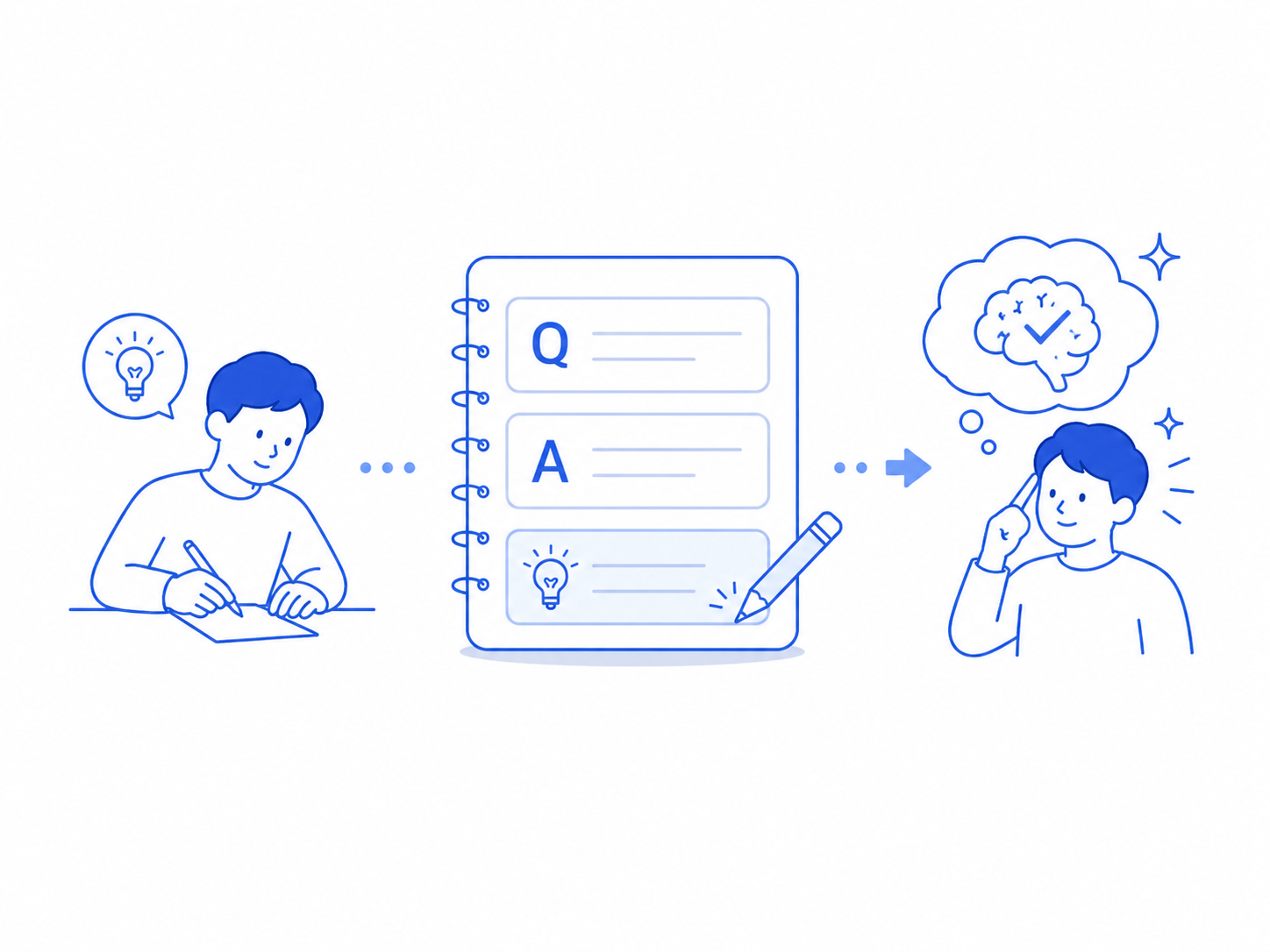
Creating your own hints deepens memory retention further.
Hints provide two independent benefits: ① The benefit of creating hints yourself — self-generated memory cues support recall more powerfully than cues created by others, and this effect persists for up to 3 weeks after learning (Tullis & Qiu, 2021). ② The benefit of recalling through hints — thinking through a hint rather than simply seeing the answer deepens processing and improves retention. According to Craik & Lockhart's (1972) Levels of Processing theory, the more you engage with meaning and connect it to existing knowledge, the stronger the memory formed.
Expert
Expert
Try Designing Q&As
Output-focused Q&A design elevates knowledge to 'usable' level.
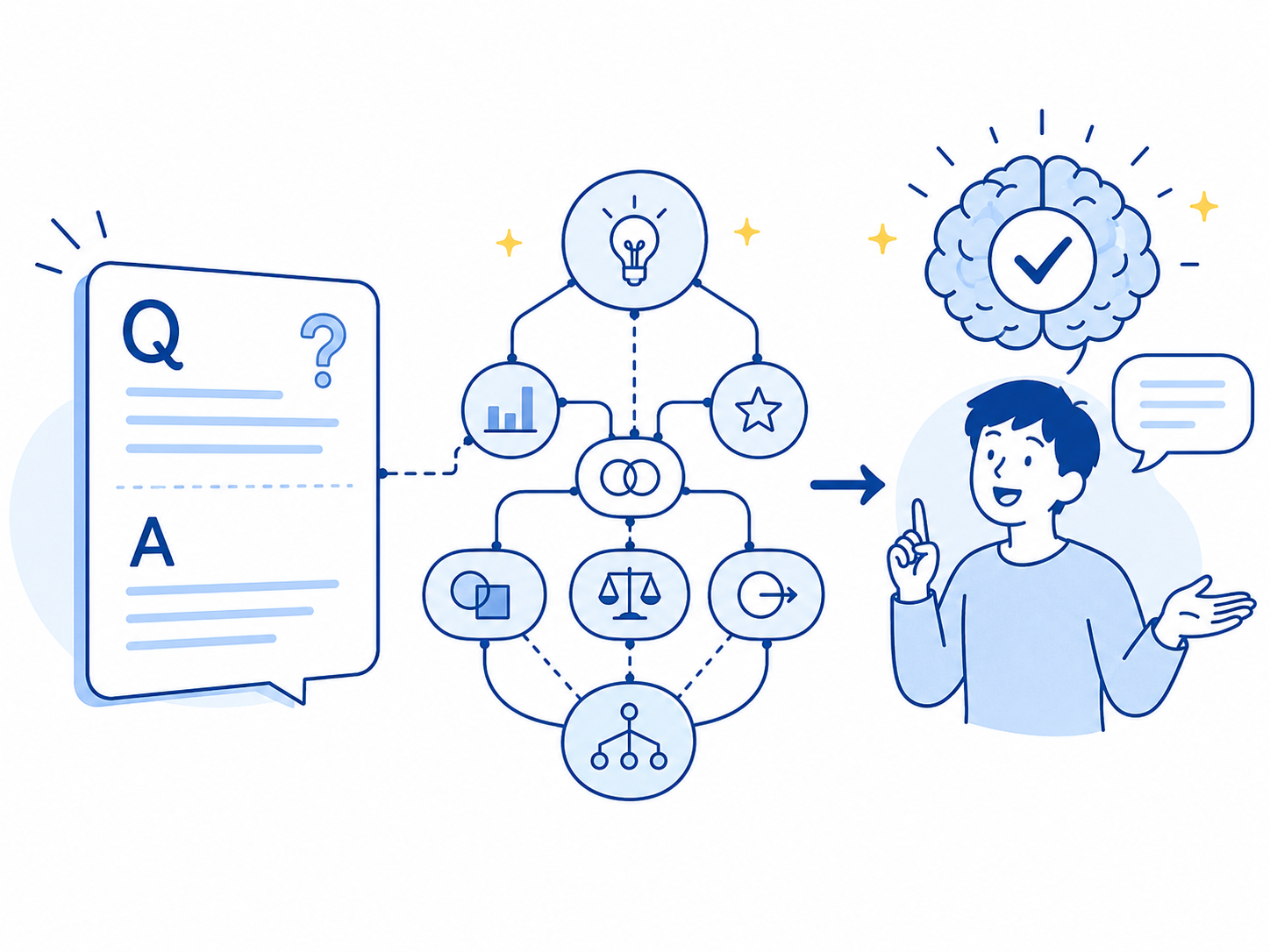
Go beyond simple memorization - design Q&As that help you actually use what you've learned. For example, 'Make a sentence using this word' or for history, 'Explain the impact of this historical event on modern society.' Output-type questions lead to more practical, deeper understanding.
Expert
Create Questions for Deep Understanding
Create Q&As that help you grow, like challenging a study rival with quizzes.
The key is creating questions that dig into 'why' rather than just memorizing. By understanding not just facts but also relationships and context, you develop applicable knowledge. See input tips
Group Learning

Group Learning
Support Each Other's Learning (Optional)
Create groups with family or friends to share and encourage each other's learning progress.
Research shows that learning with peers increases motivation and improves academic performance. Even just the presence of other learners or encouraging messages boosts learning engagement.
Teachers and instructors can track all students' learning progress from the dashboard, useful for individual guidance and class management.
See Group Feature Guide for details.
Other
Other
Maintain Learning Motivation
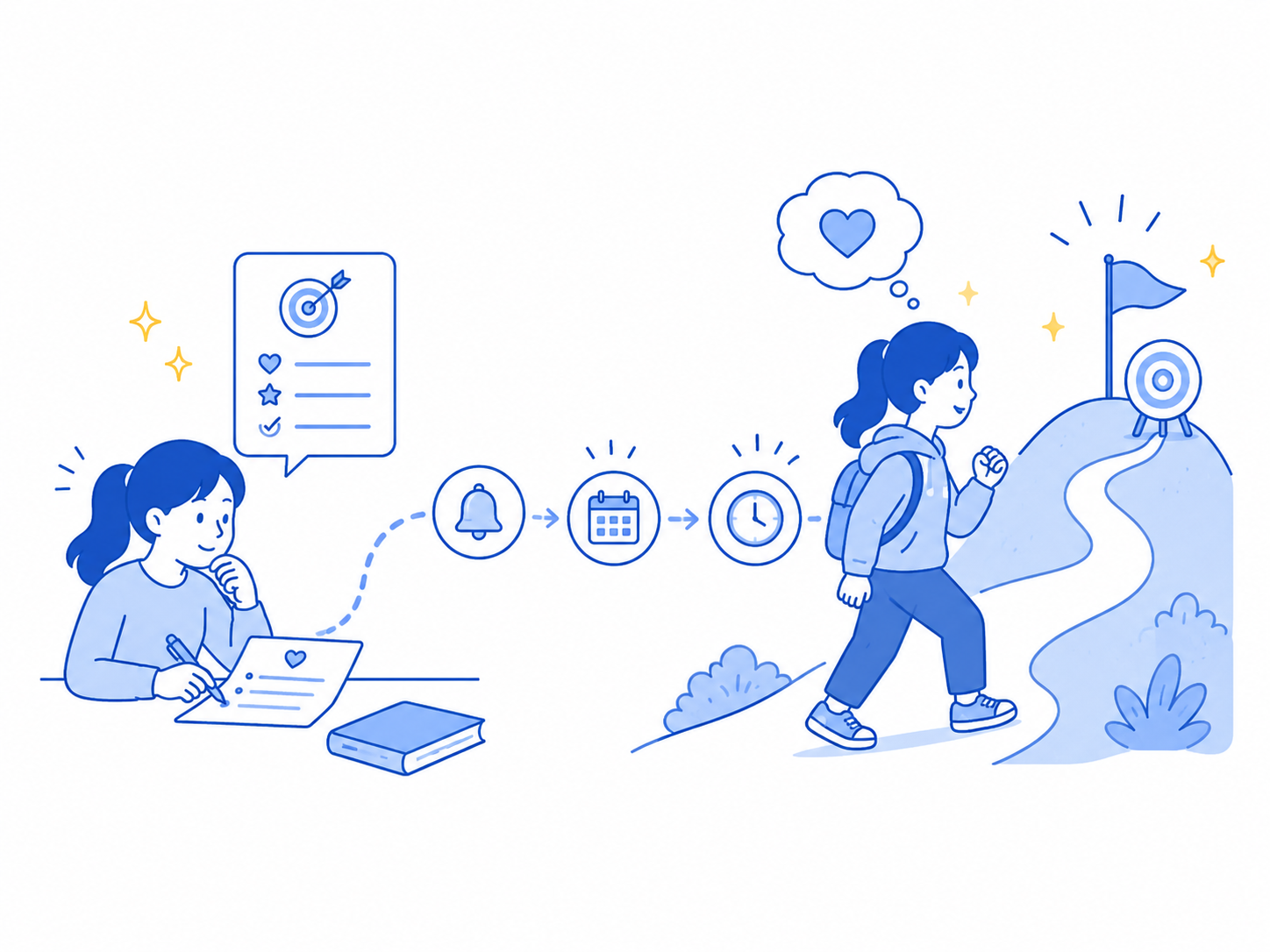
Regular reminders help maintain motivation and achieve learning goals.
Create Q&As about your learning motivation, purpose, and goals, and review them regularly to maintain long-term motivation and support goal achievement. See usage examples
Other
Two Ways to Review: Type It or Recall It
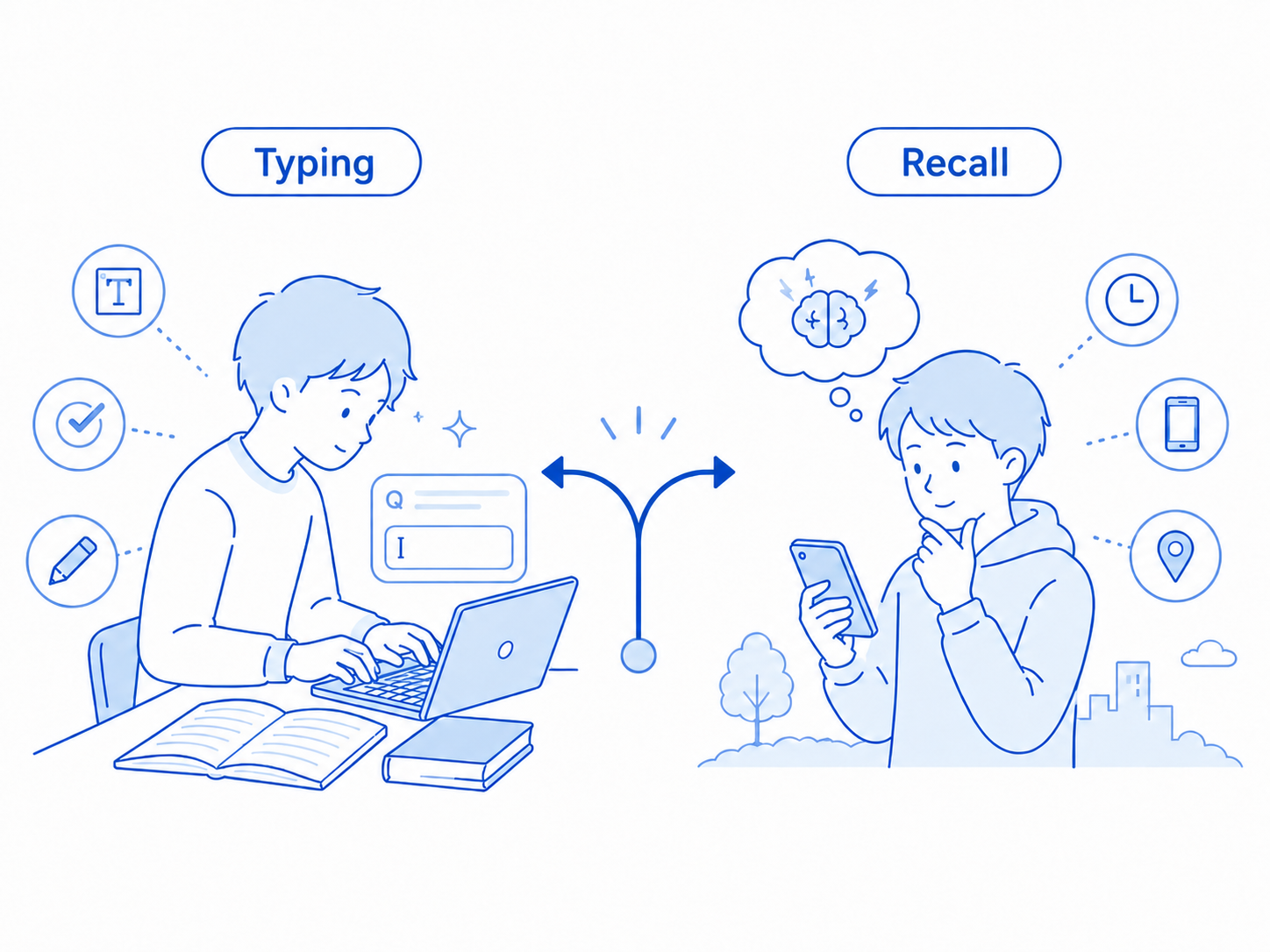
Type your answer to check spelling, or recall it mentally and self-assess. Choose what fits your goal.
Ankimo offers two review styles. In Input mode, you type your answer and get instant automatic feedback — ideal for spelling and writing practice. In Recall mode, you mentally retrieve the answer and self-assess across three levels: "Got it", "Sort of", or "Couldn't recall". Use Input for writing practice, Recall for concept review — or mix both.
Ankimo can be seen as an effective tool that complements traditional learning methods. For English vocabulary learning, combine Ankimo's reminders with pronunciation practice and writing exercises to reinforce memory retention.